
What happens when ten urgent jobs, three scarce GPUs, and a hard deadline all show up at once? Someone, or something, has to decide the order. That decision is the heart of AI workflow scheduling, and it is where most automation projects quietly succeed or fail.
The phrase itself is slippery. It can mean using machine learning to schedule work, or it can mean scheduling AI workloads on hardware. This article covers both, because in practice the two collide. It also covers the unglamorous parts that decide whether a scheduler holds up: dependencies, retries, approvals, and the human checks that no queue can skip.
What AI workflow scheduling actually means
A workflow is a set of tasks with rules about what must finish before what starts. A scheduler is the component that picks which task runs next and where it runs. Put them together and you get a system that turns a tangle of dependencies into an ordered sequence of jobs.
There are two common senses of the term:
| Sense | What gets scheduled | Typical tools |
|---|---|---|
| AI-assisted scheduling | Ordinary jobs, ordered by a learned or heuristic policy | Workflow engines, cluster schedulers |
| Scheduling AI workloads | Training and inference jobs on GPUs and CPUs | ML pipeline orchestrators, GPU cluster managers |
Both senses share the same core problem. You have limited resources, competing demands, and no perfect answer available at a reasonable cost.
Why scheduling is genuinely hard
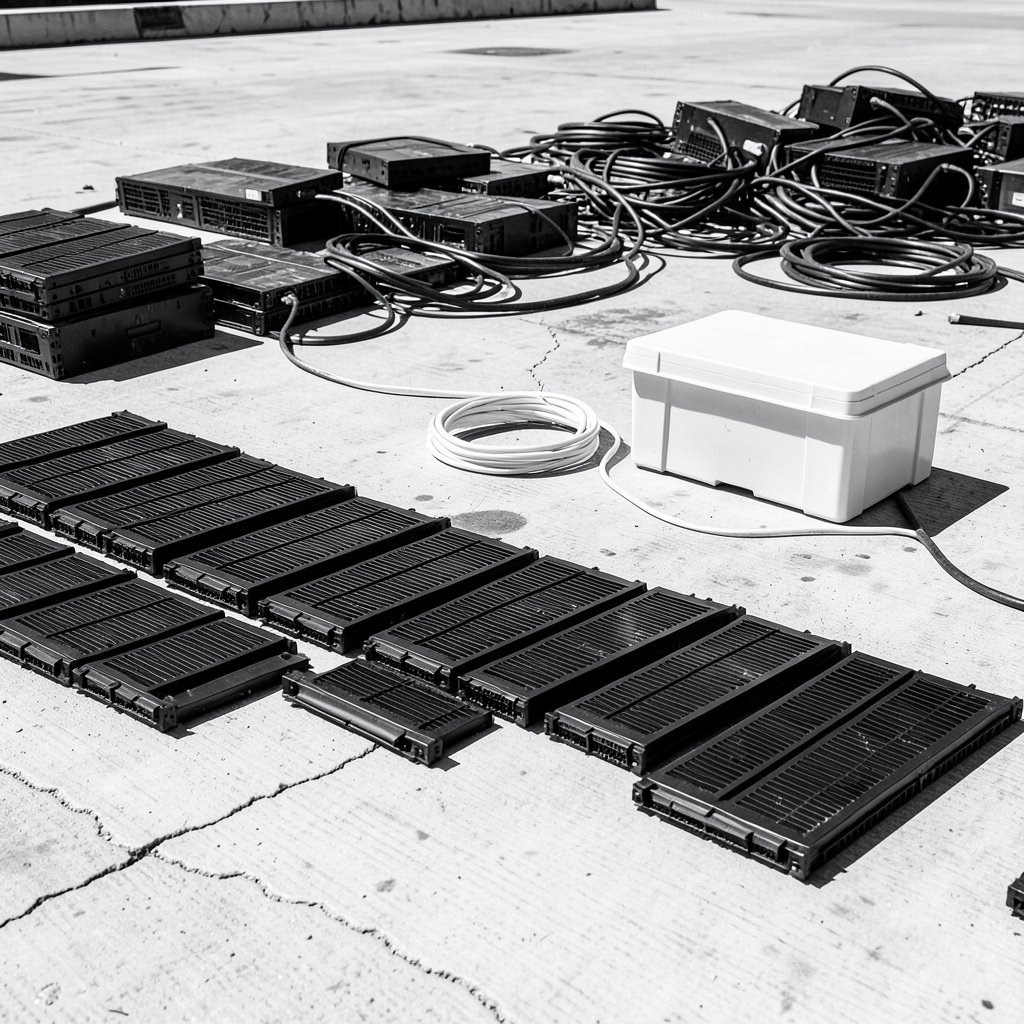
This is not a case of engineers overcomplicating things. Scheduling jobs on shared machines to minimize total completion time is a classic optimization problem, and job-shop scheduling was shown to be NP-hard back in 1976. In plain terms: no known algorithm solves every instance quickly, and the difficulty grows fast as you add jobs and machines. (Kubernetes Jobs documentation)
That single fact explains most of the field. Exact solvers work fine for small queues. Beyond a certain size, you need heuristics, priority rules, or learned policies that give a good answer fast rather than a perfect answer never. It also explains why “just add more GPUs” so rarely fixes a scheduling problem. The bottleneck is often the decision, not the hardware.
The building blocks of a working scheduler
Most production systems, whatever the vendor, rest on the same handful of ideas. Knowing them makes any tool easier to evaluate.
Dependencies and the DAG
Work is usually modeled as a directed acyclic graph, or DAG. Each node is a task, each edge a dependency, and the “acyclic” part means nothing loops back on itself. Apache Airflow, first released in 2015, built its whole model around DAGs, and its scheduler process decides when each task becomes eligible to run. The DAG is the contract: get it wrong and no amount of clever scheduling saves you.
Queues, priorities, and fairness
A scheduler needs a policy for who goes first. Common options include first-in-first-out, fixed priorities, fair-share allocation across teams, and deadline-aware ordering. Each has a failure mode. Strict priorities let one team’s urgent flag starve everyone else. Pure fairness ignores deadlines. Most mature setups blend two or three rules and revisit them as usage changes.
Placement and resources
When work runs on a cluster, a second layer decides which machine hosts it. Kubernetes assigns pods to nodes through filtering and scoring, and it allows custom schedulers and scheduler plugins when the defaults do not fit. For AI pipelines, this matters because a job that needs a specific GPU type cannot simply land anywhere.
Caching and artifact reuse
ML pipelines add a twist: many steps produce identical outputs if inputs have not changed. Orchestrators such as Kubeflow Pipelines schedule steps and cache outputs to avoid recomputation. Skipping one unchanged preprocessing step can save more time than any clever queue ordering.
Where AI actually helps
Machine learning earns its place in scheduling in a few narrow, useful ways.
Predicting runtimes. If the scheduler knows a job usually takes 40 minutes rather than four hours, it can pack the queue better. Historical logs make this learnable.
Learning priority policies. Research systems for ML clusters have targeted GPU utilization and job latency directly, treating scheduling as a learning problem rather than a fixed rule set. The gains are real but tend to be workload-specific.
Anomaly detection. A task that suddenly runs three times longer than usual often signals a data problem. Flagging it early beats letting it block the queue.
What AI does not do well is replace judgment on business priority. A model can learn that finance jobs usually run first. It cannot know that this week the compliance deadline outranks everything. That knowledge lives with people, which is why the human side of the design deserves as much care as the algorithm. The same logic applies when making AI governance fit the delivery workflow: the rules have to live where the work happens, not in a separate document nobody reads.
A practical design sequence
Teams that get this right tend to follow a similar order. Skipping steps is the most common mistake.
- Map the real dependencies first. Write down what genuinely must wait and what merely has been waiting. Many “dependencies” are habits.
- Separate must-run-now from can-wait. Not every job deserves the same queue. Splitting interactive work from batch work removes most contention.
- Set explicit resource limits per team. Without caps, one large experiment consumes the whole pool.
- Add retries and timeouts before adding intelligence. A scheduler that handles failure gracefully beats a smart one that does not.
- Instrument everything. Log queue time, run time, and failure reason per task. You cannot tune what you cannot see.
- Only then introduce prediction or learned policies. With clean data, simple heuristics often get most of the benefit.
That last point surprises people. In many real deployments, a well-tuned priority scheme plus caching delivers more improvement than a fancy model, because the model is optimizing a queue that was badly designed to begin with.
Human review does not disappear
Automation shifts human attention; it does not remove it. The question is where people belong in the loop. Some checks must happen before a job runs, such as approving a deployment or a spend increase. Others belong after, such as reviewing outputs before they reach customers. Getting this placement wrong creates either bottlenecks or blind spots, and placing human review in an AI workflow is best treated as a design decision rather than an afterthought.
The same applies to anything touching sensitive systems. A scheduled job that changes permissions or moves data needs an approval gate, rather than only a queue position. The principles behind where approval belongs in a privileged workflow transfer directly to automated pipelines: the gate goes before the irreversible step, every time.
Common mistakes that sink scheduling projects
Experience across teams surfaces a predictable set of traps.
Treating the scheduler as a magic box. Teams install a tool and expect order to emerge. It will not. The policy is the product.
Ignoring queue time. Dashboards often show run time and hide wait time. Users experience the sum. A job that runs in two minutes after a two-hour wait feels slow.
Over-retrying. Aggressive retries on a failing job can consume the entire pool. Cap them and alert instead.
No ownership of priorities. When nobody owns the priority list, everything becomes urgent. Assign one owner per queue and publish the rules.
Scheduling around broken data. If upstream data arrives late, no scheduler fixes it. Fix the data contract first.
Forgetting cost. GPU hours are money. A scheduler that maximizes utilization without a budget view can quietly double spend. Track cost per job alongside run time from day one.
How to tell whether it is working
Pick a small set of measures and watch them over weeks, not hours.
| Metric | What it reveals | Healthy direction |
|---|---|---|
| Median queue wait | Contention and priority friction | Falling |
| p95 end-to-end time | Tail latency, the experience of the unlucky | Falling |
| Resource utilization | Whether capacity is wasted | Rising, with headroom |
| Retry rate | Fragility in tasks or dependencies | Low and stable |
| Cost per successful run | Efficiency in money terms | Falling or flat |
| Manual interventions per week | How much still needs a human | Falling slowly |
The last one deserves attention. A scheduler that needs constant babysitting is not automated, it is merely automated-looking. If intervention counts stay flat for months, the design has a gap, usually in failure handling or in how priorities are set.
Where the field is heading
Two trends seem durable. First, scheduling is moving closer to the data. Instead of one central queue, teams increasingly let pipelines declare their own resource needs and let the platform arbitrate. Second, cost awareness is becoming a first-class input rather than a monthly report. As GPU capacity stays tight, schedulers that balance latency, fairness, and spend will beat those that tune only one.
A third trend is quieter but important: documentation and contribution practices around these tools mature as adoption grows. Projects that publish clear editorial and contribution guidance reflect a broader shift toward treating operational knowledge as a shared asset rather than tribal memory. For anyone running scheduled pipelines, that means better defaults and fewer bespoke scripts.
Conclusion
AI workflow scheduling is less about clever algorithms than about clear decisions. The hard parts are mapping real dependencies, setting priorities someone owns, handling failure without flooding the queue, and placing human checks before irreversible steps. Machine learning helps at the edges, predicting runtimes and flagging anomalies, but it cannot supply judgment about what matters this week.
Start with the boring work: instrument everything, split interactive from batch, cap resources per team. Then, and only then, add intelligence. Teams that follow that order end up with pipelines that run quietly and predictably. Teams that skip it end up with a scheduler everyone works around.
What is the difference between AI workflow scheduling and job scheduling?
Job scheduling assigns individual tasks to machines or time slots. AI workflow scheduling adds dependencies between tasks, so the scheduler must respect the order in which steps can run, plus retries, caching, and resource types like GPUs. Workflow scheduling is job scheduling with a map of what must happen before what. (Job scheduler (Wikipedia))
Why is scheduling considered a hard problem?
Scheduling jobs on shared machines to minimize total completion time is NP-hard, meaning no known algorithm solves every case quickly. As jobs and machines multiply, the number of possible orderings explodes. That is why practical systems use heuristics, priority rules, or learned policies instead of exact solutions.
Do I need machine learning to schedule workflows well?
Usually not at first. A well-designed priority scheme, sensible resource caps, and output caching deliver most of the available improvement. Machine learning earns its place later, mainly for predicting run times and spotting anomalies. Adding a model to a badly designed queue tends to improve the wrong thing.
What is a DAG in workflow scheduling?
A DAG, or directed acyclic graph, is a way to describe tasks and their dependencies. Each node is a task and each arrow points from a task to one that depends on it. The “acyclic” part means no task eventually depends on itself, which guarantees the workflow can finish.
How do I stop one team from hogging all the compute?
Set explicit resource limits per team or per queue, and publish them. Pair the limits with fair-share allocation so unused capacity flows to others. Also cap retries, since a single failing job with aggressive retries can consume an entire pool without anyone noticing.
Where should human approval sit in an automated pipeline?
Before any irreversible step, such as a deployment, a permission change, or a large spend increase. Routine, reversible steps can run unattended. The test is simple: if the action cannot be undone easily, a person should confirm it first, and the confirmation should be logged.




