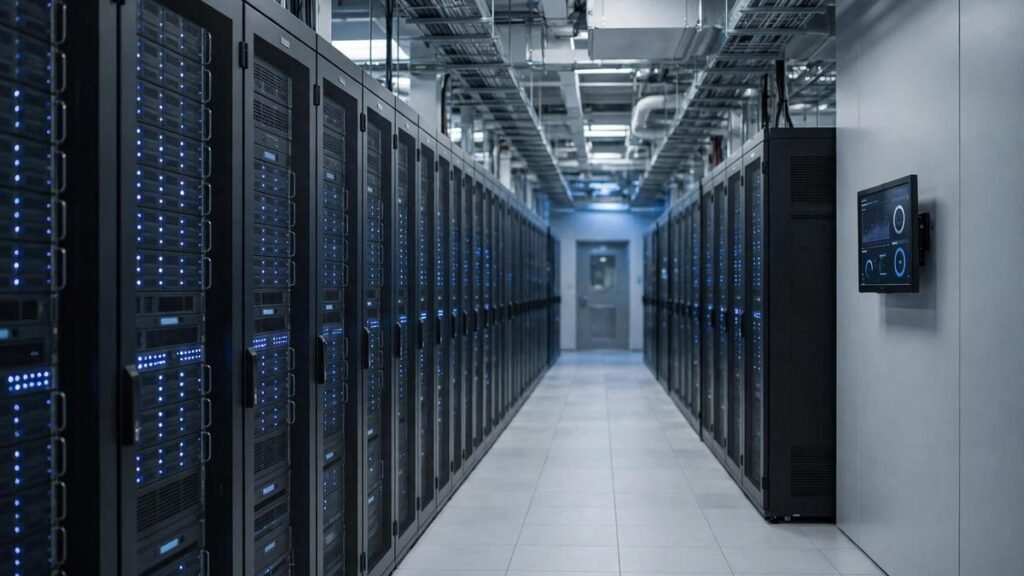
Why does a single AI chip cost more than a car, and why do data centers fight over them? The answer sits at the heart of AI GPU infrastructure: the silicon, memory, networking, power, and cooling that turn raw compute into working artificial intelligence. It is a field where a few hundred grams of silicon can decide which companies build the next generation of models and which ones wait in line. This article breaks down what makes AI GPU infrastructure tick, where the real bottlenecks hide, and what teams get wrong when they plan for it.
What AI GPU Infrastructure Actually Means
AI GPU infrastructure is the full stack of hardware and systems built around graphics processors to train and run AI models. It is not just the GPU itself. It includes high-bandwidth memory, interconnect fabrics that link thousands of chips, storage that feeds them, power delivery, and cooling systems capable of removing hundreds of watts of heat per chip.
The GPU became the center of AI because of parallelism. A CPU handles a handful of complex tasks at once. A GPU handles thousands of simple calculations simultaneously, which is exactly what neural network math requires. That shift moved GPUs from gaming into the core of enterprise computing, and it reshaped how infrastructure teams think about everything from rack design to hiring. The broader discipline of cloud infrastructure and architecture now has to account for hardware that behaves very differently from a standard server fleet.
The Anatomy of an AI Accelerator
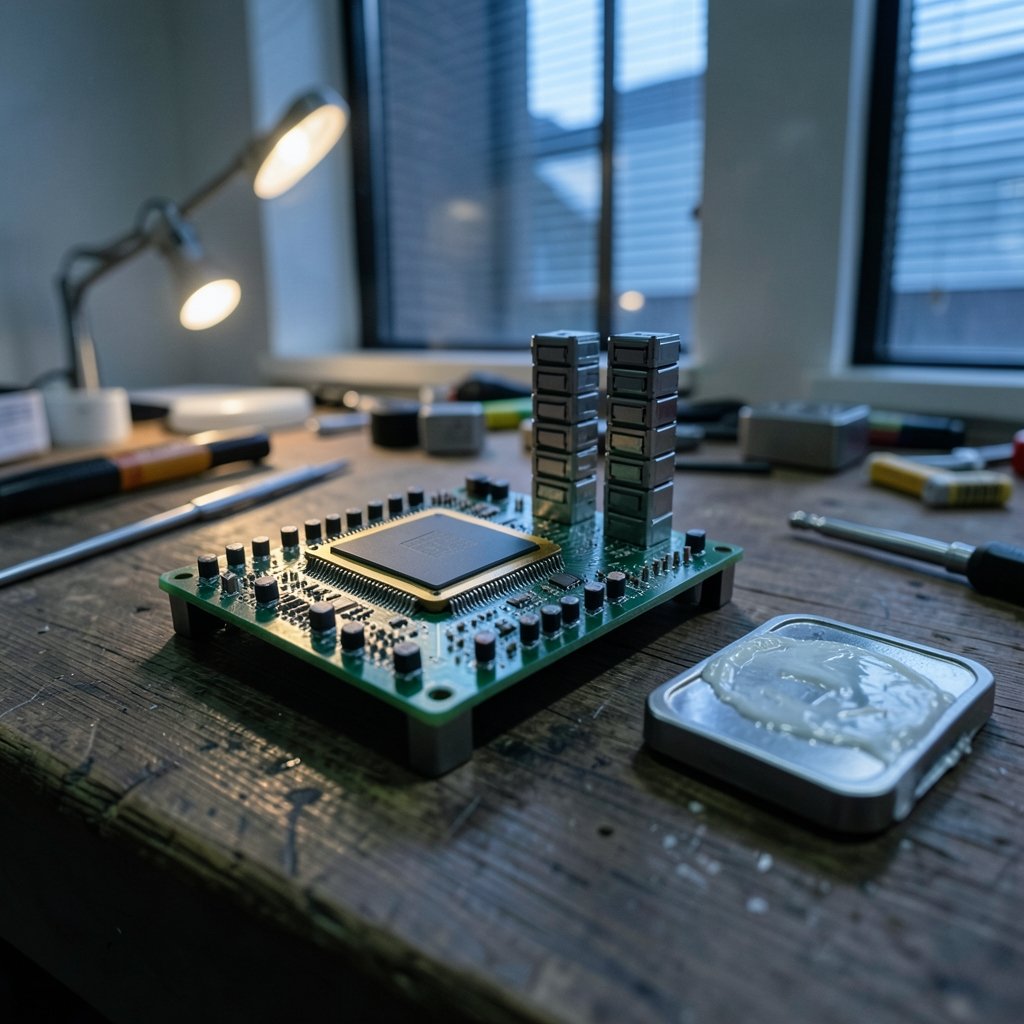
A modern AI accelerator is really a system on a package. Understanding its parts explains why performance numbers can mislead.
Compute Cores and Tensor Units
The GPU die holds thousands of cores plus specialized tensor cores tuned for matrix multiplication. Vendor figures for floating-point throughput are often quoted with sparsity enabled, a technique that skips zero values. That means a headline number may not reflect real workload performance. Teams that compare chips purely on peak TFLOPS routinely pick the wrong hardware.
High-Bandwidth Memory
HBM stacks memory dies vertically next to the GPU, delivering bandwidth measured in terabytes per second rather than gigabytes. Capacity and bandwidth have grown fast across generations: from roughly 80 GB of HBM3 on an H100 to 141 GB of HBM3e on an H200, and around 192 GB on Blackwell-class parts. AMD’s MI300X also ships with 192 GB. For serving large language models, memory capacity often decides whether a model fits on one chip or needs to be split across several.
Interconnect
Chips rarely work alone. GPU-to-GPU links such as NVLink have climbed from about 600 GB/s per GPU on A100 to roughly 900 GB/s on H100 and around 1.8 TB/s on Blackwell. Beyond the node, scale-out fabrics like InfiniBand and Ethernet tie clusters together. Interconnect is where many clusters quietly lose performance, because a fast GPU starved of data is an expensive space heater. (NVLink high-speed GPU interconnect overview)
Why Memory Bandwidth Beats Raw FLOPS in Inference
Here is a point that surprises newcomers: large language model inference is frequently memory-bandwidth-bound, not compute-bound. Generating each token requires reading the model’s weights and the growing context from memory. If memory cannot feed the compute units fast enough, extra FLOPS sit idle.
This has practical consequences. A chip with enormous compute but modest memory bandwidth may underperform a slower chip with generous bandwidth when serving a large model. It also explains why vendors emphasize HBM capacity in inference-focused products. When sizing infrastructure, teams should measure tokens per second per dollar against their actual model, not against a benchmark chart built for a different workload. The same logic applies to AI chips and computing infrastructure more broadly: the system around the chip matters as much as the chip.
Comparing the Major Accelerator Families
The market has consolidated around a few families, each with a distinct philosophy. The table below summarizes widely reported characteristics, though exact specifications vary by SKU and should be checked against current vendor documentation.
| Accelerator family | Notable strength | Typical role |
|---|---|---|
| NVIDIA H100 (Hopper) | Mature software ecosystem, strong training performance | Training and inference at scale |
| NVIDIA H200 | Larger HBM3e capacity and bandwidth | Large-model inference |
| NVIDIA Blackwell (B200/GB200) | Rack-scale NVLink domains, higher bandwidth | Frontier training, dense inference |
| AMD MI300X | Large memory footprint per chip | Large-model inference |
| Google TPU | Tight integration with Google’s stack | Internal and cloud training |
NVIDIA’s dominance rests less on silicon alone and more on its software layer, which most frameworks target first. AMD competes on memory capacity and price-performance. Google’s TPUs, now in their Trillium generation, show that custom ASICs can work at scale when the operator controls the entire software stack. The honest takeaway is that no single accelerator wins every workload, and vendor comparisons deserve skepticism until independent benchmarks confirm them.
Power, Cooling, and the Physical Limits
A high-end AI GPU draws roughly 700 watts in H100 SXM form, and Blackwell-class parts push past 1,000 watts. Multiply that across a rack of dozens of GPUs and the power and thermal numbers become the binding constraint, not the compute.
This is driving rapid adoption of liquid cooling, including direct-to-chip cold plates and immersion systems. Air cooling struggles once rack densities climb past what conventional airflow can handle. Practical lessons from operators include:
- Design power delivery before choosing GPU counts, because electrical capacity is often the true ceiling.
- Plan cooling retrofits early; adding liquid loops to an existing hall is far harder than building for them.
- Expect facility lead times longer than hardware lead times in many regions.
The skills needed here overlap heavily with traditional data center operations. Teams that already run reliable cloud platforms have a head start, as explained in this look at how cloud reliability skills transfer to AI infrastructure.
Supply Chain and Geopolitics
AI GPU infrastructure is constrained by more than physics. Advanced packaging, particularly TSMC’s CoWoS process that stacks memory and logic together, has been widely reported as a bottleneck through 2023 and 2024. Even when wafer capacity exists, packaging limits how many finished accelerators ship.
Export controls add another layer. U.S. Bureau of Industry and Security rules issued in October 2022 and tightened in October 2023 restrict shipments of advanced AI chips to China, prompting vendors to create region-specific variants that were themselves later restricted. Rules have been revised repeatedly, so procurement teams must track current guidance rather than rely on older summaries. Supply planning that ignores policy risk is planning for a market that may not exist next quarter.
Software, Operations, and the Human Layer
Hardware is only half the story. Getting useful work out of a GPU cluster requires drivers, container runtimes, schedulers, monitoring, and a lot of documentation. A cluster that nobody can operate efficiently is a capital sink.
Common operational mistakes show up again and again:
- Buying GPUs without budgeting for the networking and storage to feed them.
- Skipping utilization monitoring, so idle accelerators go unnoticed for months.
- Underinvesting in runbooks and onboarding, leaving institutional knowledge in one engineer’s head.
That last point is underrated. Clear internal documentation reduces costly errors during incidents, and the case for how technical writing supports enterprise infrastructure teams applies directly to accelerator fleets. Operators also need people who understand both hardware and orchestration; the specific skills that support accelerator infrastructure operations are in short supply and worth cultivating internally rather than only hiring for.
How to Plan AI GPU Infrastructure in Practice
A sensible planning sequence looks like this:
- Define the workload. Training and inference have different bottlenecks. Training rewards interconnect and scale; inference rewards memory bandwidth and cost per token.
- Model the memory requirement. Estimate whether the target model fits on one accelerator or needs tensor parallelism across several.
- Size power and cooling first. Confirm the facility can deliver and remove the heat before committing to GPU counts.
- Design the network. Match fabric bandwidth to the interconnect needs of the chosen topology.
- Plan for utilization. Build scheduling, monitoring, and chargeback so expensive hardware is not idle.
- Revisit quarterly. Hardware generations and export rules both move fast.
This is where the discipline of AI cloud architecture becomes practical rather than abstract: infrastructure that adapts as models, chips, and rules change.
Conclusion
AI GPU infrastructure rewards people who look past the headline numbers. The chip matters, but memory bandwidth, interconnect, power delivery, cooling, supply chain, and operations decide whether a cluster actually produces useful work. Teams that plan the whole system, measure real workload performance, and invest in the human layer will get more from their hardware than those who simply buy the fastest part on the spec sheet. The field will keep shifting, but the fundamentals of balanced design hold steady.
Frequently Asked Questions
What is the difference between a GPU and an AI accelerator?
An AI accelerator is a broad category that includes GPUs plus custom chips like Google’s TPUs. GPUs are general-purpose parallel processors that happen to excel at neural network math. TPUs are ASICs built specifically for tensor operations. Both count as AI accelerators, but they differ in flexibility, software support, and how tightly they tie you to a vendor’s ecosystem.
Why is memory bandwidth so important for AI inference?
Generating each output token requires reading model weights and context from memory. If bandwidth is too low, compute units wait on data and extra FLOPS go unused. This is why inference-focused accelerators emphasize HBM capacity and bandwidth. A chip with modest compute and generous bandwidth can outperform a faster chip in real serving workloads.
How much power does an AI GPU use?
High-end parts range from roughly 700 watts for an H100 SXM to over 1,000 watts for Blackwell-class accelerators. Rack-level density multiplies that across dozens of chips, which is why liquid cooling is spreading quickly. Power and cooling capacity often become the real limit on how many GPUs a facility can host.
What is CoWoS and why does it matter?
CoWoS is an advanced packaging process that stacks memory and logic dies together on a single substrate. It is essential for building high-bandwidth AI accelerators. Industry reporting has identified CoWoS capacity as a major supply bottleneck, meaning packaging, not just wafer production, limits how many finished chips reach customers.
Do export controls affect AI GPU availability?
Yes. U.S. rules issued in 2022 and tightened in 2023 restrict exports of advanced AI chips to certain countries, and vendors created region-specific variants in response. Because the rules have been revised repeatedly, procurement teams should verify current guidance rather than rely on older summaries when planning purchases or deployments.
How should a team choose between training and inference hardware?
Start with the workload. Training benefits most from interconnect bandwidth and the ability to scale across many chips. Inference benefits most from memory capacity and bandwidth per dollar. Many organizations end up with mixed fleets. Measure tokens per second and training throughput on your own models before committing to large purchases.
Beyond the fundamentals, a few emerging trends are worth watching. Optical interconnects promise to push fabric bandwidth past copper’s limits for very large clusters. Rack-scale designs, like NVIDIA’s GB200 NVL72, treat dozens of accelerators as one logical unit, blurring the line between chip and system. Custom silicon from cloud providers continues to mature. None of these trends changes the core advice, though: match hardware to measured workload behavior, size the facility before the fleet, and keep documentation and monitoring in place so expensive capacity is actually used. Teams that treat AI GPU infrastructure as an integrated system, rather than a shopping list of chips, will keep getting more useful work from every megawatt and every dollar they spend. (Graphics processing unit)