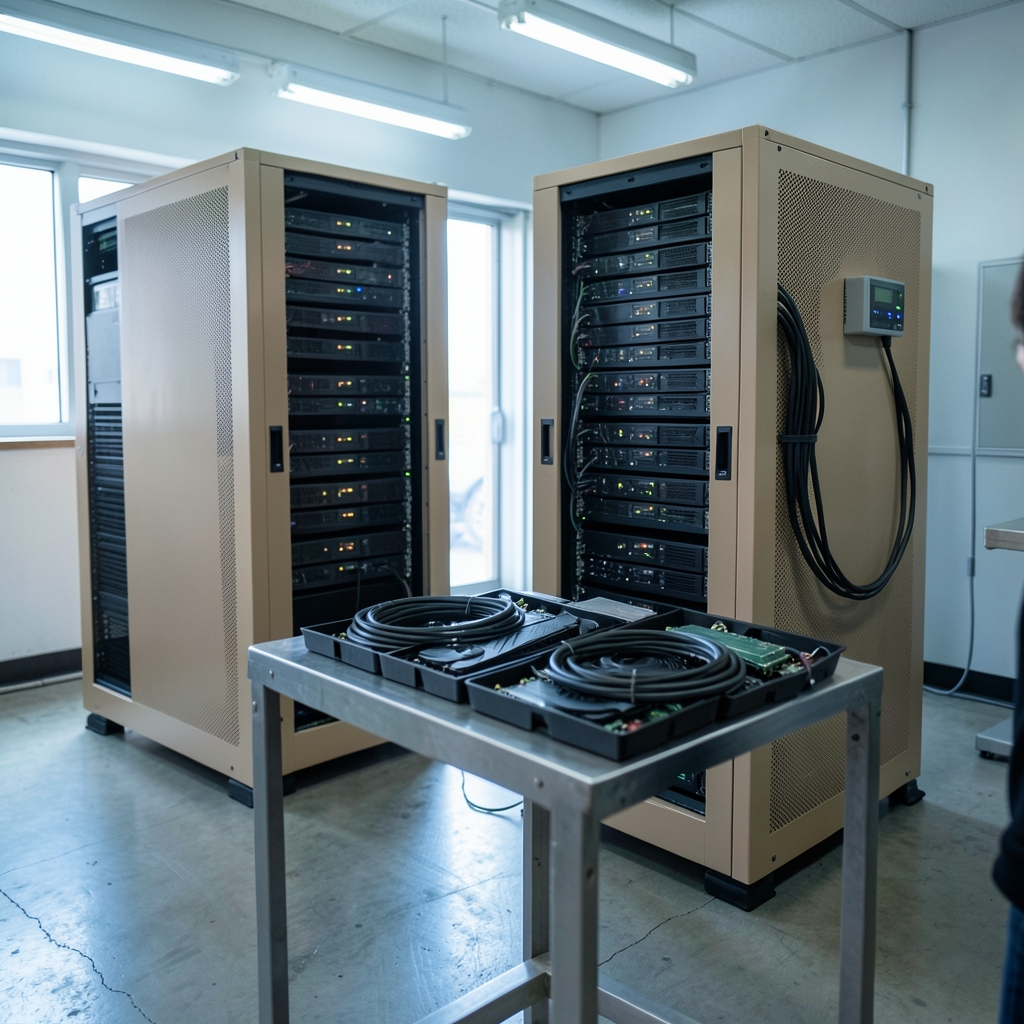
What happens when a hundred engineers all want the same GPU cluster at the same time? Someone has to decide who goes first, who waits, and whose job gets killed when memory runs out. That someone, increasingly, is a software layer called AI compute orchestration — and it has quietly become one of the most important pieces of infrastructure in modern machine learning. (Computer cluster)
The term has no single settled definition. It is used loosely to describe scheduling and placing training or inference workloads across GPUs, managing clusters and job queues, and routing inference requests across multiple providers. Treat any definition you read, including this one, as adopted rather than standardized. But the practical problems it solves are very real, and understanding them is the difference between a cluster that hums along at 90 percent utilization and one that burns money idling.
Why Orchestration Became a Discipline of Its Own
A decade ago, most ML teams ran training on a handful of machines and managed them by hand. Then models got large, GPU supply got tight, and the economics changed. When a single high-end accelerator costs tens of thousands of dollars and draws as much power as several households, leaving one idle is no longer an inconvenience. It is a budget line.
Orchestration grew up around three pressures at once. First, scarcity: GPUs are expensive and hard to get. Second, heterogeneity: a cluster may mix different GPU generations, CPU pools, and storage tiers, and workloads have wildly different needs. Third, burstiness: inference traffic spikes unpredictably, while training jobs run for days or weeks. A scheduler that handles one of these well often handles the others badly.
There is also a physical constraint creeping into the conversation. Data center power demand and grid interconnection have become binding limits on where and how much compute can be deployed, which means orchestration decisions about packing workloads efficiently now have an energy dimension too. Keeping utilization high is not just frugal; it is increasingly a siting and permitting question.
The Building Blocks: Schedulers, Queues, and Placement
At its core, orchestration answers a deceptively simple question: which workload runs where, and when? The answer comes from a stack of components that most users never see directly.
Cluster schedulers
Two families dominate. Kubernetes has become the de facto substrate for GPU scheduling in cloud-native environments, using device plugins and an extended-resource model to allocate accelerators to pods. A newer mechanism, dynamic resource allocation, offers a more structured alternative to device plugins and has been moving through alpha and beta stages in recent releases. Slurm, meanwhile, remains dominant for large-scale high-performance computing and many AI training clusters, with long-standing support for scheduling GPUs through its generic resource model. (Kubernetes Overview)
The split matters in practice. Teams that already run microservices tend to standardize on Kubernetes and accept its rough edges for GPU work. Teams running tightly coupled, multi-node training often prefer Slurm because its job model fits batch workloads more naturally. Neither choice is wrong; they optimize for different things.
Distributed compute frameworks
Above the scheduler sits a layer that lets Python code spread across many machines. Ray, which originated at UC Berkeley’s RISELab around 2017, is a common choice, with components for distributed training and model serving. It does not replace the cluster scheduler; it sits on top and asks it for resources.
Serving engines
For inference, the named components are usually NVIDIA Triton Inference Server, vLLM, and KServe. vLLM’s PagedAttention technique, described in a 2023 paper, changed how memory is managed during serving and made high-throughput inference far more practical. These engines handle batching, memory paging, and autoscaling — the details that determine whether a model responds in 200 milliseconds or two seconds.
A Practical Comparison of Scheduling Approaches
| Approach | Best fit | Strength | Common friction |
|---|---|---|---|
| Kubernetes with device plugins | Cloud-native platforms, mixed services | Ecosystem, autoscaling, portability | GPU sharing is awkward; plugin quirks |
| Kubernetes with dynamic resource allocation | Teams wanting structured GPU claims | Cleaner allocation model, richer requests | Still maturing; version-dependent |
| Slurm with GPU resources | Large multi-node training, HPC | Mature batch scheduling, fair-share queues | Less natural for long-running services |
| Managed provider endpoints | Small teams, spiky inference | No cluster to run | Less control, cost at scale |
The table hides a real trap: many teams pick a scheduler before they understand their workload mix. A shop that runs 90 percent inference and 10 percent training will suffer under a batch-first design, and vice versa.
Training Versus Inference: Two Different Orchestration Problems
It is worth separating these clearly, because conflating them is one of the most common mistakes.
Training orchestration is about long-running, gang-scheduled jobs. All the workers in a job usually need to start together, or the job fails. Checkpointing, preemption, and queue fairness matter enormously. A job that gets preempted after four days without a checkpoint is a four-day loss.
Inference orchestration is about latency and cost under unpredictable load. Requests arrive continuously, batching decisions happen in milliseconds, and autoscaling must react faster than a human can. The rise of gateways that fail over between model providers, a notable product category since around 2024, added another layer: routing a request to whichever backend is healthy or cheapest at that moment.
A useful rule of thumb from operational experience: optimize training for throughput and fault tolerance, and optimize inference for tail latency and cost per token. Applying inference-style autoscaling to training jobs produces thrashing. Applying training-style queueing to inference produces timeouts.
What Actually Works in Practice
Several patterns show up again and again in clusters that run well.
- Set explicit quotas per team. Shared clusters without quotas become political. Namespace-level limits, enforced by the scheduler, prevent one team’s experiment from starving everyone else.
- Separate interactive and batch pools. Give notebooks and demos a small, protected pool. Give training jobs a large pool they can borrow from but not monopolize.
- Make checkpointing automatic, not optional. Preemption is a feature, not a failure, but only if work survives it.
- Instrument utilization before optimizing it. Most teams discover their real bottleneck is data loading or storage, not compute, once they measure.
- Pin versions deliberately. Scheduler and device-plugin upgrades have broken GPU allocation in ways that took days to diagnose.
The most common mistake is treating orchestration as a one-time setup. It is closer to gardening: workloads shift, hardware ages, and the configuration that worked in January quietly stops working in June. Teams that review their scheduling policy quarterly catch problems that others discover during an outage.
Another frequent error is over-trusting vendor benchmarks. Throughput and utilization numbers for orchestration tools are rarely comparable across vendors, and there is no independent standard benchmark for orchestration efficiency that this article can point to. Treat marketing figures as directional and run your own workload.
For readers tracking how these platform decisions play out across the industry, the news section at 9481.org covers infrastructure developments as they land, and the cloud category digs into provider-level changes that affect scheduling and cost.
Where Orchestration Is Heading
Three trends are reshaping the layer.
Heterogeneous and multi-cloud placement. Workloads increasingly span on-premises clusters and multiple clouds, and the orchestrator’s job becomes deciding not just where a job runs but which provider serves a given request. This is where inference gateways and cross-provider routing earn their keep.
Energy-aware scheduling. As power becomes a binding constraint, scheduling decisions that pack workloads tightly and shift flexible jobs to off-peak windows start to look less like optimization and more like compliance. Expect more tooling here, though standards are still thin.
Structured resource models. The shift from device plugins toward richer allocation APIs reflects a broader recognition that GPUs are not interchangeable commodities. Requests for specific memory sizes, topologies, or interconnect types are becoming expressible rather than hacked around.
None of this removes the need for human judgment. An orchestrator enforces policy; it does not invent one. The teams that get the most from their clusters are the ones that decided what fairness means before they configured the scheduler. Background on how these platform choices ripple through organizations is collected in the 9481.org blog, which is useful for readers weighing build-versus-buy decisions.
Conclusion
AI compute orchestration is less a product than a practice: the discipline of matching expensive, scarce accelerators to workloads that need them, fairly and without waste. The tools are well established — Kubernetes and Slurm for scheduling, Ray for distributed compute, Triton, vLLM, and KServe for serving — but the tools are the easy part. The hard part is knowing your workload mix, setting quotas you can defend, checkpointing religiously, and revisiting the configuration before it breaks on its own. Get those right and the cluster fades into the background, which is exactly what good infrastructure should do.
Frequently Asked Questions
What is AI compute orchestration in simple terms?
It is the software layer that decides which AI workload runs on which hardware, and when. Think of it as air traffic control for GPUs: it queues jobs, allocates accelerators, handles failures, and tries to keep expensive hardware busy instead of idle.
Is Kubernetes or Slurm better for AI workloads?
Neither is universally better. Kubernetes fits teams already running cloud-native services and wanting autoscaling and portability. Slurm fits large, tightly coupled multi-node training and high-performance computing environments where batch scheduling and fair-share queues matter most. Many organizations end up running both for different workload types.
What is the difference between training and inference orchestration?
Training orchestration manages long-running jobs where all workers usually must start together, so checkpointing and preemption handling are critical. Inference orchestration manages a continuous stream of requests where tail latency, batching, and cost per token dominate. Optimizing one like the other usually causes problems.
Why does GPU utilization matter so much?
Because accelerators are expensive and increasingly constrained by power and supply. A cluster running at 40 percent utilization is effectively paying for hardware it is not using. Raising utilization through better scheduling, quotas, and workload packing is often cheaper than buying more GPUs.
What is dynamic resource allocation in Kubernetes?
It is a newer mechanism for requesting and allocating resources such as GPUs in a more structured way than traditional device plugins allow. It has been moving through alpha and beta stages across recent Kubernetes releases, so teams should check the release notes for their specific version before depending on it.
How do you stop one team from monopolizing a shared GPU cluster?
Set explicit per-team quotas enforced at the namespace or account level, separate interactive work from batch training into distinct pools, and make preemption routine by requiring automatic checkpointing. Without quotas, shared clusters tend to drift toward whoever submits the most aggressive jobs.
Cost-aware placement. As accelerator prices and power costs diverge across regions and providers, schedulers are increasingly expected to weigh price alongside latency and availability. The simplest version — routing inference to the cheapest healthy backend — is already common; the harder version, moving batch training toward cheaper power or spot capacity without losing checkpoints, is still largely manual. Both point the same direction: the orchestrator becomes a broker, not just a dispatcher.
The through-line across all three trends is that orchestration is absorbing decisions once made by humans with spreadsheets. That raises the stakes on observability. A scheduler making cost and energy trade-offs is only trustworthy if teams can see why a job landed where it did. Clusters that log placement decisions and review them regularly will adapt faster than those that treat the scheduler as a black box.
None of this changes the fundamentals. The tools will keep evolving, the APIs will keep shifting, and the workloads will keep growing. What endures is the discipline described throughout this article: know your mix, measure before optimizing, and revisit the configuration before it fails on its own. Orchestration done well is invisible — and that remains the best measure of whether it is working.