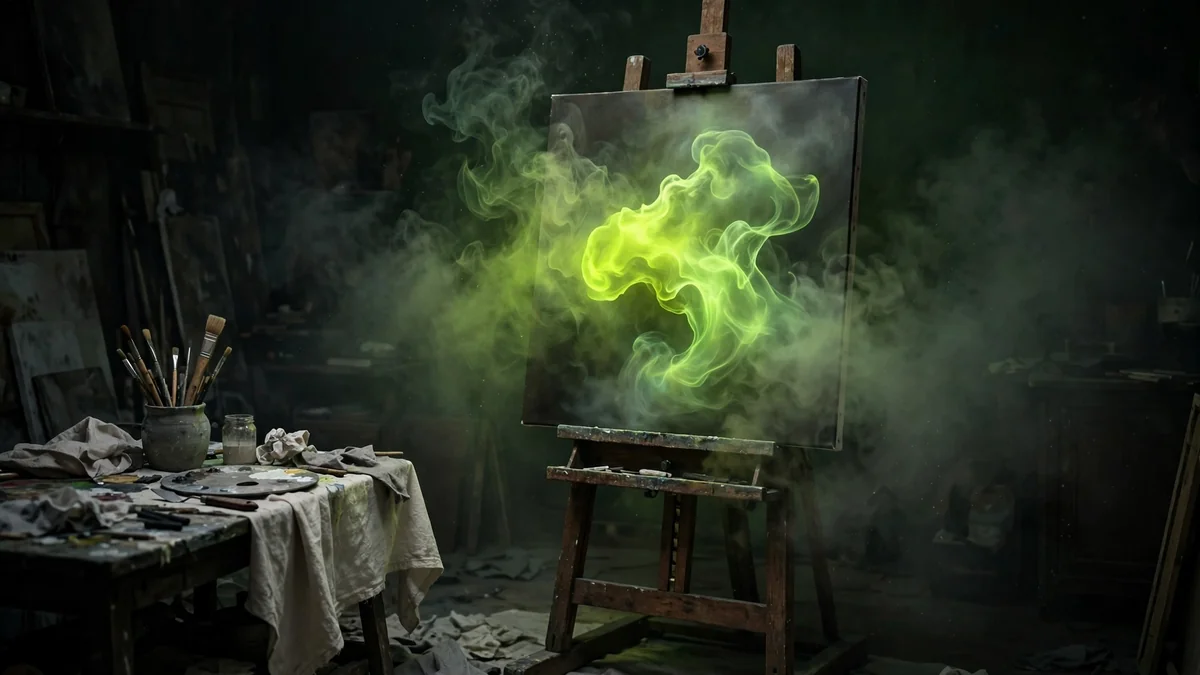
Diffusion models explained in plain terms means AI that creates an image by starting with random noise and cleaning it up, step by step, until a picture appears. The central question is how a machine can produce a detailed image from nothing but static, and the short answer is that it learned to reverse the process of adding noise, guided by a text description of what the image should show.
Imagine a sculptor starting with a rough block of stone. Each cut removes a little material and brings the shape closer to the finished statue. A diffusion model works in a similar way, except it starts with visual noise and each step removes a little of the randomness, gradually revealing the image hidden inside.
Key takeaways
- A diffusion model creates images by reversing the process of adding noise.
- It starts from random noise and refines the image over many small steps.
- A text prompt guides what the image should show at each step.
- The model learns by practising on real images that were deliberately noised.
- Diffusion models power many modern image generation tools.
What a diffusion model is
A diffusion model is a type of generative AI that produces images by learning to remove noise. During training, real images are gradually corrupted with random noise until they become unrecognisable static. The model is then taught to reverse that process, predicting what the slightly less noisy version of an image should look like at each stage.
Once trained, the model can run the process backwards from pure noise. It starts with a random pattern, guesses what a slightly cleaner version should look like, and repeats the guess many times. With each step, shapes, colours, and details emerge, until the final step produces a finished image.
The name comes from the idea of diffusion, the way a drop of ink spreads through water until it is evenly mixed. Adding noise to an image is like that spreading: structure fades until only randomness remains. The model learns the reverse journey, from randomness back to structure.
How image generation works step by step
Generation begins with a field of random noise and a text prompt, such as a description of a mountain lake at dawn. The model looks at the noise and the prompt together and predicts a slightly less noisy version that is a little closer to matching the description. That prediction becomes the input for the next step.
The process repeats, often for dozens of steps. Early steps decide the broad layout: where the sky is, where the water sits, where the mountains rise.
Later steps fill in the details: the reflection on the water, the texture of the rock, the soft light of dawn. The image sharpens gradually, like a photograph coming into focus.
The text prompt guides the model throughout, not just at the start. At every step, the model checks its emerging image against the description and steers the next prediction toward it. Our guide to neural networks explains the kind of network that makes these predictions, and our guide to AI hardware explains the computing power that makes running dozens of steps practical.
How diffusion models are trained
Training a diffusion model is the reverse of generating. The model is shown real images, and noise is added in small stages until the image is pure static.
At each stage, the model is asked to predict the noise that was added, or equivalently to predict the cleaner image underneath. Its mistakes are used to improve it, and the process repeats across many images.
Because the training images come with descriptions, the model also learns the connection between words and pictures. It learns what a mountain looks like, what dawn light does to a scene, and how a lake reflects its surroundings. That learned connection is what lets a text prompt guide generation later.
Training takes a great deal of computing power and a large collection of images. The result, however, is a model that can produce new images it has never seen before, combining ideas from its training in fresh ways, such as a mountain lake in a style it was never directly shown.
Comparing diffusion models with other image AI
| Aspect | Diffusion models | Other image generators |
|---|---|---|
| Starting point | Random noise | Varies by method |
| Generation | Many small steps | Often a single pass |
| Detail quality | High, built up gradually | Varies |
| Control | Prompt guides every step | Prompt guides the whole image |
| Speed | Slower, step by step | Often faster |
Where diffusion models are used
The most familiar use is text-to-image generation, where a person writes a description and receives an image. Artists use these tools to explore ideas, designers use them to mock up concepts, and writers use them to illustrate stories. The tools have become part of many creative workflows.
Diffusion models are also used for editing. A photograph can be partly noised and then cleaned up again with a new prompt, changing the content while keeping the rest of the image intact. This makes it possible to alter a scene, replace an object, or extend the edges of a picture.
Beyond still images, the same idea is being applied to video, audio, and three-dimensional shapes. In each case, the principle is the same: start with noise, remove it step by step, and let a description guide what emerges.
Strengths and limits
The great strength of diffusion models is the quality and variety of their output. Because the image is built gradually, the model can handle fine detail and complex scenes, and the same prompt can produce many different images by starting from different noise. That variety is useful for creative work, where exploring options matters.
The main limit is speed. Running dozens of steps takes time and computing power, which is why image generation can feel slow compared with other AI tasks. Researchers are working on ways to reduce the number of steps without losing quality, and newer models need fewer steps than the first ones did.
Another limit is control. The model decides many details on its own, so getting an exact result, such as a precise arrangement of objects or correct text inside an image, can be difficult. Small details such as hands, lettering, and reflections are still common sources of errors, and a generated image often needs checking before it is used.
Diffusion models checklist
- Remember that generation starts from random noise.
- Write prompts that describe the scene clearly and simply.
- Expect the same prompt to give different results each time.
- Check fine details such as hands and text before using an image.
- Use editing features to change parts of an image, not just whole images.
- Allow time for generation, since it runs over many steps.
- Try small changes to the prompt to steer the result.
- Keep the source of a generated image in mind when sharing it.
- Remember that the model combines what it learned, it does not copy a photo.
Frequently asked questions
What is a diffusion model?
A diffusion model is a type of AI that creates images by starting with random noise and removing it step by step. It learned how to do this by practising on real images that were deliberately corrupted with noise, so it knows how to work backwards from static to a finished picture.
How does a text prompt control the image?
The prompt is fed into the model at every step of the process. As the image is gradually cleaned up, the model steers each step toward matching the description, so the final image reflects the words in the prompt rather than emerging by chance.
Why does image generation take several steps?
Each step only removes a small amount of noise, which keeps the process stable and lets the image develop gradually. Early steps settle the broad layout and later steps add detail, and skipping steps would make the result rougher and less coherent.
Are diffusion models copying images from their training data?
They are not copying. The model learns patterns from its training images and combines them in new ways to produce images it has never seen. The result can resemble its training data, especially for common subjects, but it is generated fresh each time.
Can diffusion models edit existing photos?
Yes. A photo can be partly noised and then cleaned up again under a new prompt, which changes the chosen part while keeping the rest. This is used to replace objects, alter scenes, and extend the edges of an image.
Why do generated images sometimes have errors?
Because the model predicts details rather than understanding them. It knows what hands and letters usually look like, but it does not know how many fingers a hand should have or how a word should be spelled, so those details are often wrong and need checking.
The bottom line
Diffusion models explained in one line is this: they turn noise into images by reversing a process of corruption, guided at every step by a text description of what the picture should be.
The result is a tool that can imagine pictures nobody has ever taken. Used with a clear prompt and a careful eye for detail, it is a powerful addition to any creative workflow.