
What if the biggest line on your cloud bill isn’t the servers you run, but the way you bought them? That question shapes Oracle Cloud Infrastructure pricing, and it explains why two teams can run nearly identical workloads on OCI and pay very different amounts. OCI is often marketed as the cheaper cloud, and for some workloads it genuinely is. But the bill you receive depends on several choices: which shapes you pick, how you commit to spending, how much data leaves the network, and whether you bring your own software licenses. (Cloud computing)
This article walks through how OCI pricing is structured, where the traps hide, and what to check before you sign anything. Prices change, so treat every number here as a starting point and confirm current rates on Oracle’s own price list before you budget.
How OCI Pricing Is Organized

Oracle publishes OCI prices per service and per region. That regional split matters more than newcomers expect. The same compute shape can carry a different rate in a commercial region than in a government region, and some services simply aren’t available everywhere. A cost estimate built on one region’s rates can be wrong by a wide margin for another.
The core billing units are worth memorizing:
| Resource | Typical billing unit | What to watch |
|---|---|---|
| Compute | Per OCPU-hour plus per GB-hour of memory | Shape choice and idle time |
| Block storage | Per GB-month | Volumes left attached after projects end |
| Object storage | Per GB-month plus request charges | Many small requests add up |
| Networking | Per GB of outbound transfer | Egress volume and destination |
That compute row deserves a closer look. OCI bills compute on OCPU-hours and memory separately, rather than as a single bundled instance price. An OCPU on OCI’s x86 shapes represents a physical core, and each core typically maps to two virtual CPUs. If you size an instance by vCPU count out of habit, you can accidentally provision twice the compute you intended. Understanding how shapes and OCPUs relate is foundational, and it connects to the broader picture of how cloud infrastructure and architecture decisions shape long-term spend.
Pay-as-you-go versus committed spend
Oracle sells OCI through two main commercial routes. Pay-as-you-go charges you for what you consume, month by month. Universal Credits is a committed-spend model: you agree to a spending level, often with discounts attached, and draw down from that commitment across eligible services. This structure has been part of OCI’s commercial model since roughly 2017–2018.
The practical difference is flexibility versus price. Committed contracts can lower your effective rate, but they also lock in a number. If your workload shrinks, you may still owe the commitment. Teams that overestimate their growth end up paying for capacity they never use. Before renewing, it is worth reading a guide on what to verify in a cloud pricing update, because discount terms and service eligibility shift between contract cycles.
Compute Costs: Shapes, OCPUs, and the Arm Option
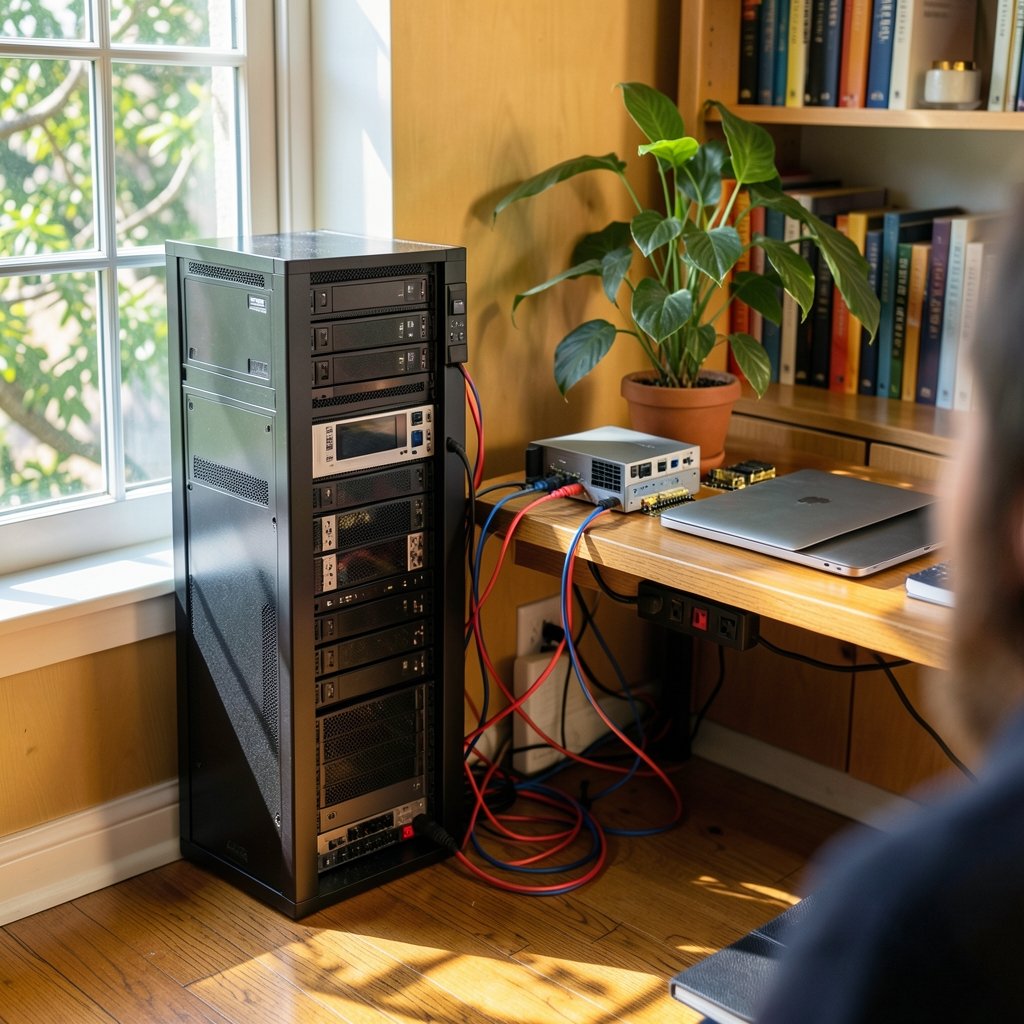

Compute is usually the largest controllable cost on OCI, and the shape you choose sets the floor. Oracle offers general-purpose shapes, memory-heavy shapes, GPU shapes, and Arm-based shapes built on Ampere processors. The Arm option, launched on OCI in 2021, was marketed at a lower per-OCPU price than comparable x86 shapes. For workloads that run well on Arm, that gap can be meaningful.
The mistake people make is assuming a cheaper per-unit rate automatically means a cheaper bill. It doesn’t, for two reasons. First, a workload that needs recompiling or refactoring to run on Arm carries migration cost that never appears on the price list. Second, an instance that sits idle still bills. Right-sizing matters more than shape shopping. A team that leaves oversized instances running overnight across a dozen environments will outspend a team with modest shapes and disciplined shutdown schedules every time.
A few practical habits that actually work:
- Tag every instance with an owner and a project so costs can be attributed later.
- Set budgets and alerts in the billing console before workloads go live, not after.
- Review utilization monthly and downsize shapes that consistently run below half capacity.
- Separate development, staging, and production accounts so a runaway test environment doesn’t hide inside the production bill.
That last point is where many organizations discover surprises. Cost analysis tools are only as good as the account structure underneath them. Sloppy account hygiene turns cost reporting into guesswork.
Storage and Networking: Where Bills Quietly Grow
Storage looks simple and rarely is. Block volumes bill per GB-month, and the trap is orphaned volumes: disks left attached to instances that were deleted months ago. Object storage bills per GB-month plus request charges, so a workload that makes millions of small reads can generate request costs that rival the storage itself. Archiving rarely accessed data to a lower-cost tier is one of the simplest savings available, and it requires knowing which data is actually cold.
Networking is the other quiet grower. OCI has historically charged for outbound internet data transfer per GB, tiered by monthly volume, while inbound transfer is free. Oracle has periodically advertised free or reduced egress in specific programs, so the current terms are worth confirming rather than assuming. If your architecture moves large datasets between regions or out to users, egress can become a major line item. A structured approach to tracking cloud data transfer costs helps here, because egress is invisible until someone maps which services talk to which networks and how much crosses a boundary.
The free tier is not a pricing strategy
Oracle’s Always Free tier, announced at Oracle OpenWorld in October 2019, includes allowances for compute, Autonomous Database, and storage. The specific limits have changed over time. It is excellent for learning, prototyping, and small side projects. It is not a foundation for production planning. Oracle also offers a time-limited free trial with credits, which is a separate program from Always Free with its own terms. Confusing the two leads to unpleasant surprises when trial credits expire and workloads keep running.
Licensing, Regions, and Effective Price
List price and effective price are different animals. Bring Your Own License (BYOL) lets customers apply existing Oracle software licenses, such as database licenses, to OCI deployments, which can change the economics substantially compared with license-included pricing. Eligibility rules have shifted over the years, so verify them for your specific products before building a business case around BYOL savings.
Region choice compounds this. Prices can differ between commercial and government regions, and service availability varies. A workload designed for one region may not be deployable in another at all, let alone at the same rate. Multi-region architectures also multiply data transfer charges, which is why networking deserves a line in every estimate.
There is a broader trend worth noting: as AI workloads move onto cloud infrastructure, the cost profile changes again. GPU capacity, high-throughput networking, and large-scale storage behave differently from a fleet of general-purpose servers. Teams that understand their existing reliability and cost patterns tend to adapt faster, and the skills transfer more directly than people expect, as this look at how cloud reliability skills transfer to AI infrastructure illustrates. The same discipline of measuring, tagging, and right-sizing applies, just to more expensive hardware. (NIST Cloud Computing Program)
Building a Realistic OCI Cost Estimate
Estimates fail for predictable reasons. Here is a process that holds up better than a single spreadsheet built in an afternoon.
- List every service the workload touches, including the unglamorous ones like logging, monitoring, and load balancing.
- Price each service in the specific region you will deploy to, not a headline region.
- Model three scenarios: steady state, peak load, and a growth case at double volume.
- Add egress explicitly, based on measured or estimated outbound volume.
- Layer in the commercial model: pay-as-you-go versus committed credits, with discount assumptions stated openly.
- Re-check the estimate against the live price list before sign-off, and date the estimate so future readers know how stale it is.
Step six is the one people skip. Cloud prices change, free-tier terms change, and egress policies change. An estimate without a date is a rumor. Oracle publishes a public price list and a cost estimator tool, and both should be consulted directly rather than relying on secondhand figures in blog posts, including this one.
Documentation matters more than teams admit. When a cost overrun happens, the organization that can trace which decision caused it recovers fastest. Clear internal write-ups of architecture and billing assumptions pay off during audits and renewals, a point explored in this piece on how technical writing supports enterprise infrastructure teams.
Common mistakes worth avoiding
The most frequent errors are boringly consistent. Teams size by vCPU instead of OCPU. They forget that memory bills separately from compute. They leave block volumes attached after deleting instances. They assume egress is free because inbound transfer is. They commit to Universal Credits based on a growth forecast nobody stress-tested. And they build production systems on free-tier allowances that were never meant to carry real traffic.
None of these are exotic. All of them are fixable with a checklist and a monthly review. The organizations that control OCI spend are rarely the ones with the cleverest architecture; they are the ones with the dullest discipline.
Conclusion
Oracle Cloud Infrastructure pricing rewards preparation and punishes assumption. The published rates are only the starting point. What you actually pay depends on shape selection, the commercial model you choose, how much data leaves your network, whether you bring your own licenses, and which region hosts the workload. None of those factors is hidden, but all of them interact.
The sensible approach is unglamorous: price your specific workload in your specific region, model egress honestly, date your estimates, and review utilization every month. Confirm current figures on Oracle’s official price list before committing, because the numbers move. Treat the free tier as a learning tool, not a budget line. And when someone promises a dramatic discount, ask what commitment it requires and what happens if your workload shrinks. OCI can be genuinely cost-effective, but only for teams that treat pricing as an engineering problem rather than a procurement formality. For a wider view of how enterprise AI and cloud decisions fit together, the resources at 9481.org offer useful context.
Frequently Asked Questions
How is OCI compute actually billed?
Compute bills per OCPU-hour plus per GB-hour of memory, rather than as one bundled instance price. An OCPU on x86 shapes represents a physical core, typically mapping to two vCPUs. That means sizing by vCPU count out of habit can double your intended compute. Always check the shape’s OCPU-to-vCPU ratio before provisioning.
Is Oracle Cloud really cheaper than other providers?
It can be, especially for Arm-based compute and for workloads that fit Oracle’s committed-spend discounts. But cheaper list prices don’t guarantee a cheaper bill. Egress charges, oversized instances, orphaned storage, and licensing choices can erase the advantage. Compare total cost for your specific workload, not headline rates.
What is the difference between Always Free and the free trial?
Always Free is an ongoing allowance for select services, announced in 2019, with limits that have changed over time. The free trial is a separate, time-limited program with credits. Trial credits expire; Always Free allowances persist within their limits. Neither is designed to host production workloads at scale.
What are Universal Credits?
Universal Credits is Oracle’s committed-spend purchasing model, in place since roughly 2017–2018. You commit to a spending level, often receiving discounts, and draw down across eligible services. It can lower effective rates but locks in a number, so an overestimated growth forecast becomes a real cost.
Does OCI charge for outbound data transfer?
Yes, historically OCI has charged for outbound internet transfer per GB, tiered by monthly volume, while inbound transfer is free. Oracle has periodically offered free or reduced egress in specific programs, so confirm current terms. Egress is easy to overlook and can become a significant line item in data-heavy architectures.
Can I use my existing Oracle licenses on OCI?
In many cases yes, through Bring Your Own License (BYOL), which lets you apply existing Oracle software licenses to OCI deployments. This can change costs substantially compared with license-included pricing. Eligibility rules have shifted over time, so verify them for your specific products before relying on BYOL savings in a business case.




